Medical
Stop Easy Breaches: Why MFA is Your Best Defense Against HIPAA Risks
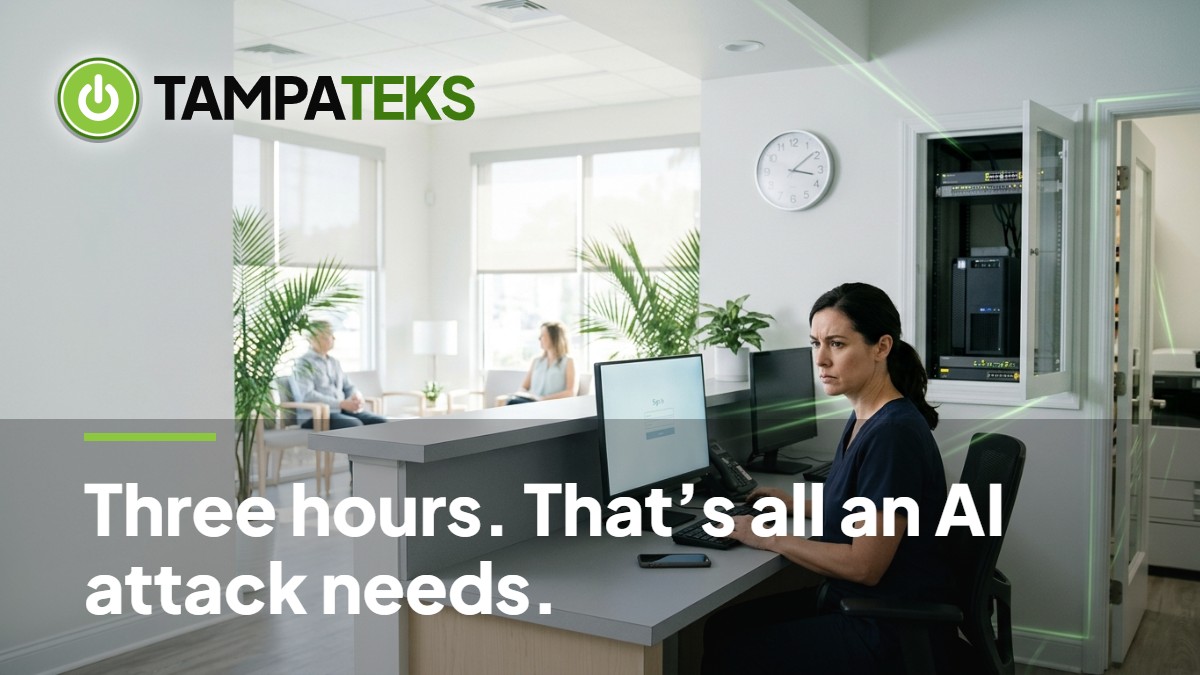
A hacker does not need a computer science degree to break into your clinic if you have not locked the front door with multi-factor authentication. Attackers recently broke into several South Korean financial institutions, stealing personal data on at least 68,000 people because of weak defenses and missing authentication layers. Your medical practice in Tampa Bay faces the same reality every day, as automated tools scan the internet for any open door into your patient records.
Protecting Your Practice from Low-Skill Attacks
Enable MFA on Email, EHR, and Remote Access
Multi-factor authentication (MFA) is a second lock for your digital office. MFA for medical offices requires a user to provide two forms of ID before they can see patient data. This usually means a password plus a code sent to a physical device like a smartphone. Without this second step, a stolen password is all a thief needs to access your EHR security and sensitive patient history.
You must turn on MFA for your email, your Electronic Health Record (EHR) system, and any remote access tools your staff uses. If a doctor logs in from home to check a chart, that connection must be guarded by a second factor. Many patient data breach prevention strategies fail because one single staff member used a simple password that was easily guessed by a bot.
- Use Microsoft 365 Business Premium to enforce MFA across your entire office automatically.
- Ensure your EHR vendor supports modern authentication methods rather than just a single password.
- Require a second code for any Virtual Private Network (VPN) or remote desktop tool used by outside contractors.
Audit and Remove Stale Vendor Access
Medical offices often work with third-party billing companies, IT contractors, and software vendors. These partners often have high-level access to your network to perform their jobs. However, if you stop using a billing company but leave their login active, you have created a permanent hole in your dental practice cybersecurity or medical office defense. Hackers look for these forgotten accounts because they are rarely monitored.
Review your user list every month to see who still has access to your systems. Removing access for billing companies and software vendors you no longer use is a simple way to reduce your attack surface. If an old vendor is breached, their stolen credentials should not give a hacker a direct path into your private patient files.
- Disable accounts immediately when a contract with a third-party vendor ends.
- Change administrative passwords after a technician from a software company finishes their work.
- Limit vendor access to only the specific folders or systems they need to do their job.
Conduct a HIPAA Security Risk Analysis
The HIPAA Security Rule’s risk analysis requirement, found in 45 CFR §164.308(a)(1), is not a suggestion. It is a mandatory part of protecting your practice. If you have never performed a HIPAA security risk analysis Tampa, you are flying blind. You cannot fix a security gap if you do not know it exists, and missing MFA is one of the most common gaps found during these reviews.
A risk analysis identifies where your patient data is stored and who can get to it. It looks at your physical servers, your cloud backups, and the mobile devices your staff carries. This process helps you prioritize which security fixes to handle first so you spend your budget where it matters most. Ignoring this requirement is often seen as willful neglect during a regulatory audit after a breach occurs.
- Document every location where Protected Health Information (PHI) is stored in your office.
- Identify potential threats like hardware failure, accidental deletion, or external hacking.
- Create a written plan to fix the most dangerous gaps within a reasonable timeframe.
Maintain Detailed Security Logs
Logs are like digital security camera footage for your network. They record who logged in, what files they looked at, and when they logged out. If a breach does happen, logs are the only way to prove what was accessed and what remained safe. Without good logs, you may have to notify every single patient that their data was stolen because you cannot prove otherwise.
Your IT systems should be set up to keep these records for a long period. This is a critical part of EHR security because it provides an audit trail for every interaction with a medical record. If a hacker tries to guess a password a thousand times, your logs will show the failed attempts, allowing your IT team to block the attack before they get in.
- Enable audit logging in Microsoft 365 to track changes to sensitive files and emails.
- Configure your firewall to record every connection attempt from outside the United States.
- Review your logs weekly for unusual activity, such as logins at 3:00 AM from a different state.
Local Impact for Tampa Bay Medical Practices
Medical practices in the Tampa-St. Petersburg-Clearwater area face unique challenges when it comes to maintaining security. During hurricane season, your focus might be on power restoration by TECO Energy or Duke Energy Florida. However, security risks do not take a break during a storm. If your staff is working remotely because an office is in a flood zone, those remote connections must be secured with MFA to prevent opportunistic attacks.
This article serves as an IT operational best-practice guide and is not legal or regulatory advice. Every practice has different needs based on their specific patient load and technology stack. Whether you are a small dental practice or a large multi-specialty clinic, the goal is to keep your cash flow steady and your liability low by preventing preventable data thefts. A single breach can stop your operations for days, preventing you from seeing patients and billing for services.
3 Things to Ask Your Current IT Provider Today
- Can you provide a report showing exactly which of our user accounts currently have MFA disabled?
- When was the last time our practice completed a formal HIPAA security risk analysis as required by 45 CFR §164.308(a)(1)?
- Do we have an automated process to disable access for vendors and former employees the moment they no longer need it?
Book a Free IT Health Check: we review your computers, security and backups at no cost.
- #medicalcybersecurity
- #HIPAAcompliance
- #MFA
- #Tampabusiness
- #patientprivacy