Medical
Protecting Your Legacy Windows Medical Devices in Tampa Bay
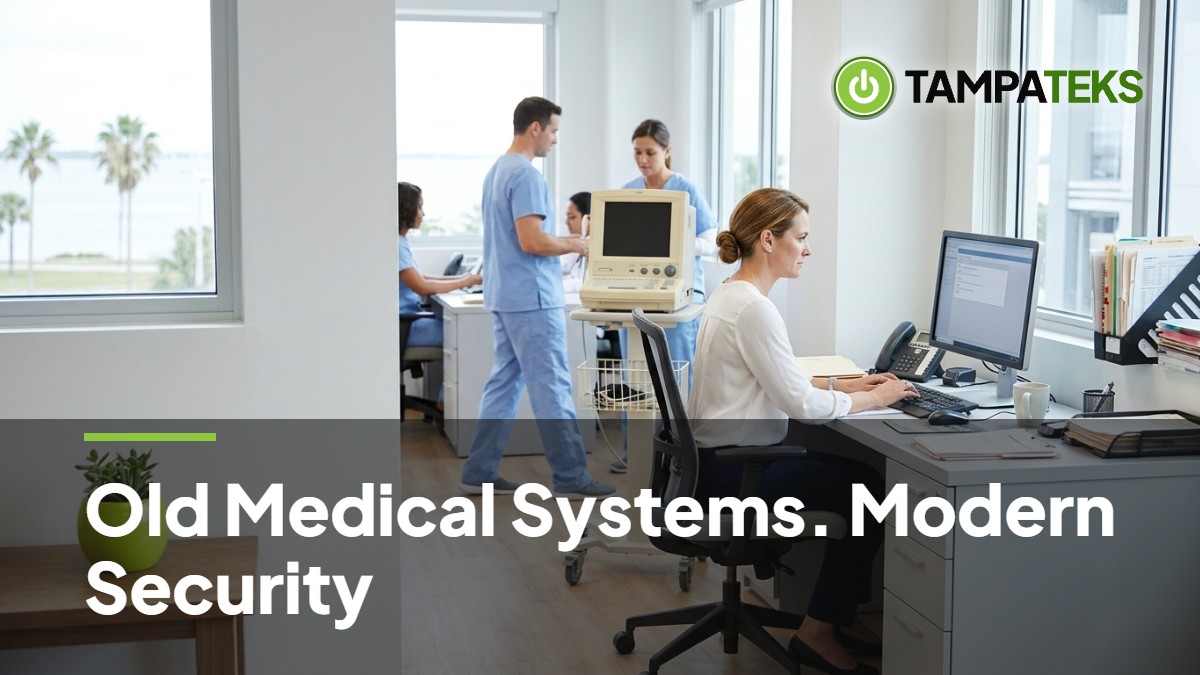
The Risk of Legacy Windows in Your Practice
That old Windows 7 PC running your X-ray machine is a ticking time bomb for your medical practice. While the imaging software works perfectly, the underlying operating system no longer receives security updates from Microsoft.
Hackers look for these weak points because they provide an easy entry into your entire network. Once they get inside one machine, they can move sideways to access patient records and billing data.
Medical device security is often difficult because the hardware is tied to specific software versions. You cannot simply hit the update button without risking a system crash or voiding your warranty.
How to Secure Your Medical Devices
Separate Your Network with a Digital Wall
The most effective way to protect an old PC is through network segmentation. You should separate your networks with a digital wall so a virus on an office email PC cannot cross over and stop your lab machines.
By placing legacy Windows devices on their own private island, you limit who can talk to them. This setup ensures that even if a staff member clicks a bad link on a front-desk computer, the infection stays away from your medical equipment.
- Create a dedicated network segment for all medical devices.
- Limit traffic so only authorized servers can send data to these machines.
- Ensure the legacy PC cannot see the rest of your office network.
Cut Off Internet and Email Access
Legacy Windows machines should never have access to the public internet. Most viruses enter a system through a web browser or an email attachment.
By blocking all web traffic at the router level, you remove the primary way these machines get infected. These PCs should only exist to run the medical software and save data to a secure internal location.
- Disable the web browser on every legacy medical PC.
- Remove email software to prevent staff from checking messages on these units.
- Block all outgoing and incoming internet traffic for these specific IP addresses.
Manage Your Vendor Support Contracts
Many medical devices are governed by strict vendor support contracts that forbid you from changing the operating system. If you upgrade the PC, the vendor may refuse to fix the machine when it breaks.
You must coordinate with your equipment vendor before making any technical changes. Ask them for a list of specific security patches they have tested and approved for your exact software version.
- Keep a log of all vendor-approved software updates and configurations.
- Request a written security roadmap from the manufacturer for future upgrades.
- Check if the vendor offers a hardware bridge that adds a layer of protection.
Physical Security and Port Blocking
Security is not just about software; it is also about who can touch the machine. An old PC is vulnerable if someone can plug a thumb drive into an open port.
You should block unused USB ports with physical locks or software controls to prevent data theft or accidental infections. This prevents a well-meaning employee from charging a phone or using a personal drive on a critical medical machine.
- Use physical port blockers to seal off empty USB and drive slots.
- Place legacy workstations in areas where patients cannot reach the back of the tower.
- Disable AutoRun features so the PC does not try to open files from a plugged-in device.
Local Impact for Tampa Bay Medical Practices
In the Tampa-St. Petersburg-Clearwater area, medical practices face unique operational challenges. Our region often deals with power fluctuations during heavy storms and hurricane season.
When TECO Energy or Duke Energy Florida works to restore power after a surge, your legacy devices are at high risk. These older machines often have fragile hard drives that do not handle sudden power losses well.
This guide serves as an IT operational best-practice guide and is not legal or regulatory advice for your specific practice. Keeping your imaging machines running is vital for maintaining patient flow and consistent cash flow.
If a legacy PC fails due to a cyberattack or a power surge, it can take days to find a replacement part for an outdated system. This downtime leads to canceled appointments and frustrated patients across Tampa Bay.
3 Things to Ask Your Current IT Provider Today
- Are my imaging and lab PCs on the same network as the computers we use for email and web browsing?
- Have you contacted our medical device vendors to see which security patches are safe to install?
- What is our plan to keep these machines running if a power surge or hurricane damages the old hardware?
Protecting your practice requires a proactive approach to technology that balances security with daily operations. Request a HIPAA security risk assessment from TampaTeks.
- #MedicalSecurity
- #TampaBusiness
- #ManagedIT
- #CyberSecurity
- #HealthcareIT